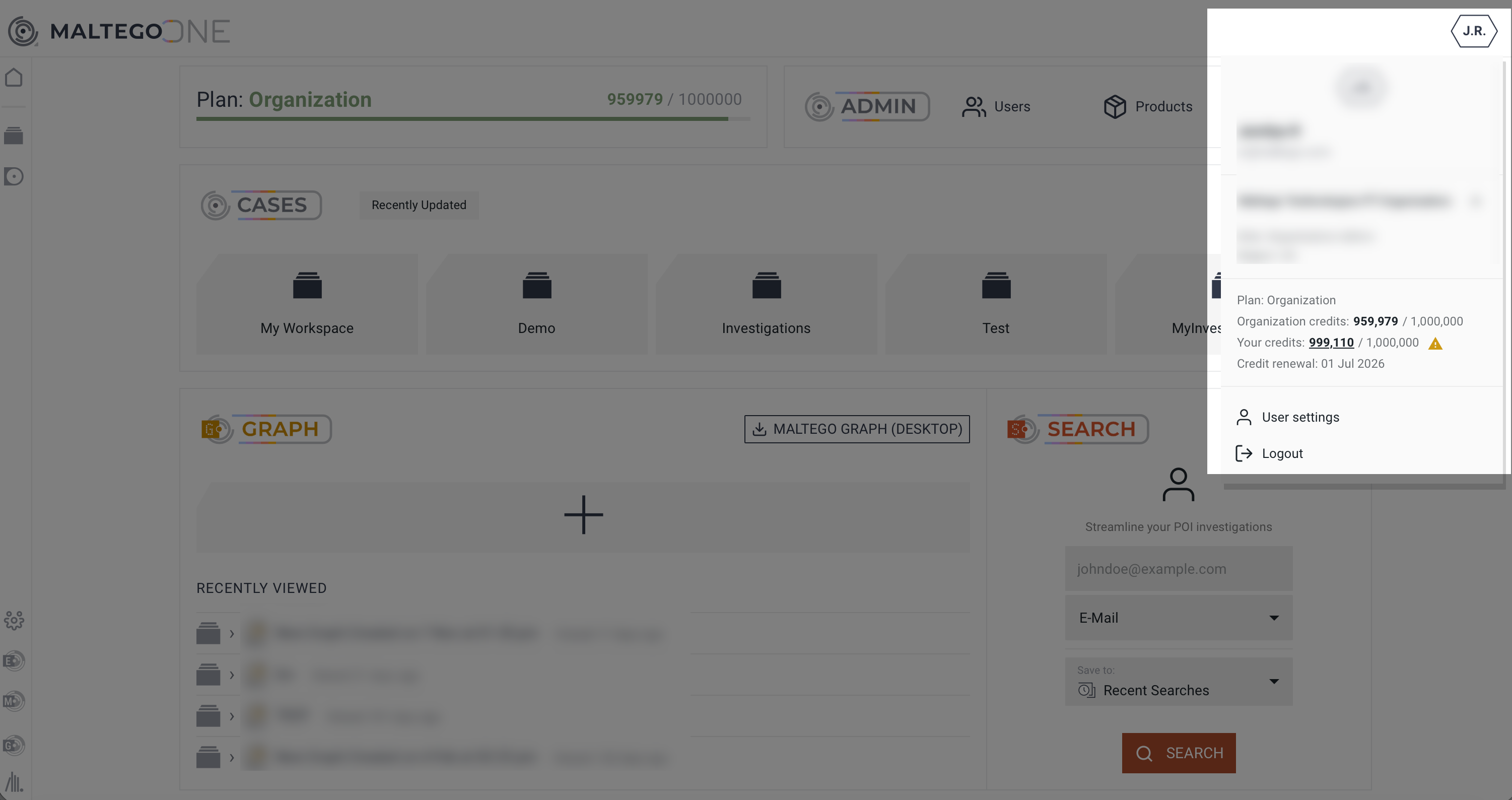
You can check Credit information from within your graph in two ways:
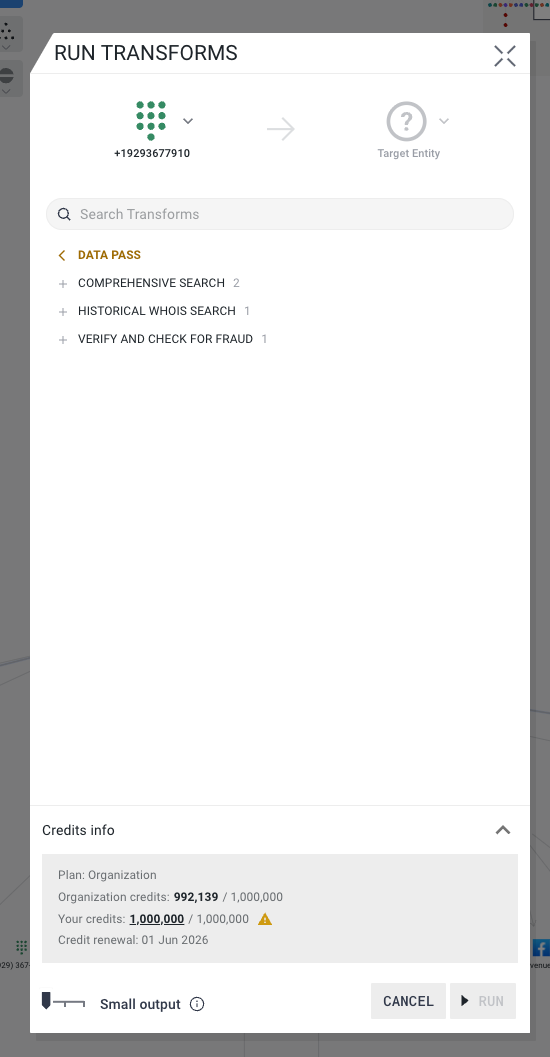
- from the Transform dialog menu
- from the user profile menu
To check the number of remaining Credits from the Transform menu:
- Right-click on the Entity
- Click Run Transforms. You will see the information at the bottom of the dialog menu.
To check the number of remaining Credits from user profile menu, click on the user profile icon at the top right.